
 GameAvailable
Make It Art
Small pieces. A little world of your own.
Choose colourful supplies, make room in the slots and build cheerful artworks. Play on iOS, Android or WeChat.
Search WeChat 咔嗒造物坊

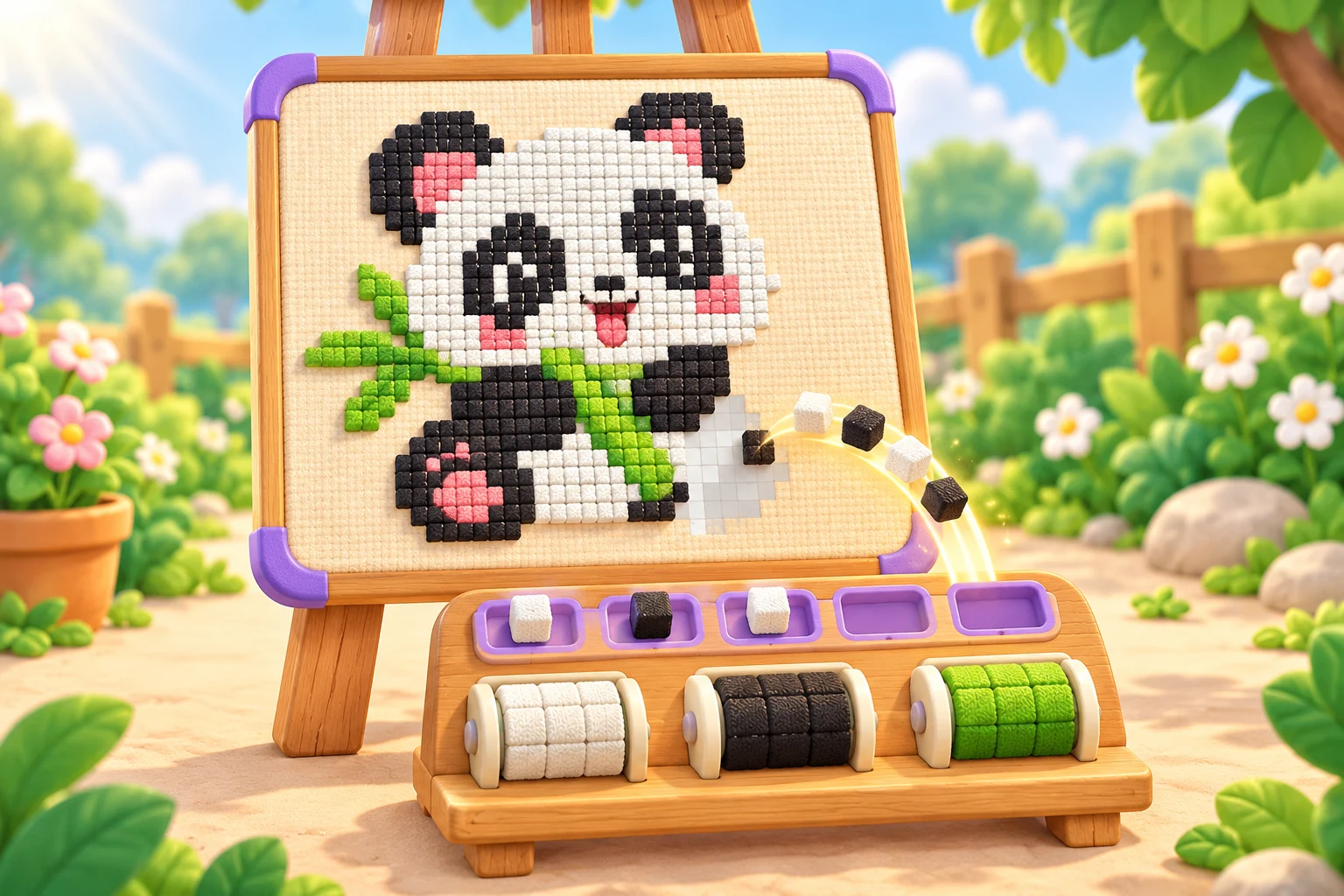
A little look inside the game
Step into a level from the garden home screen. Choose a supply roll, leave room in the slots and watch the panda take shape.
Open an image to take a closer look.
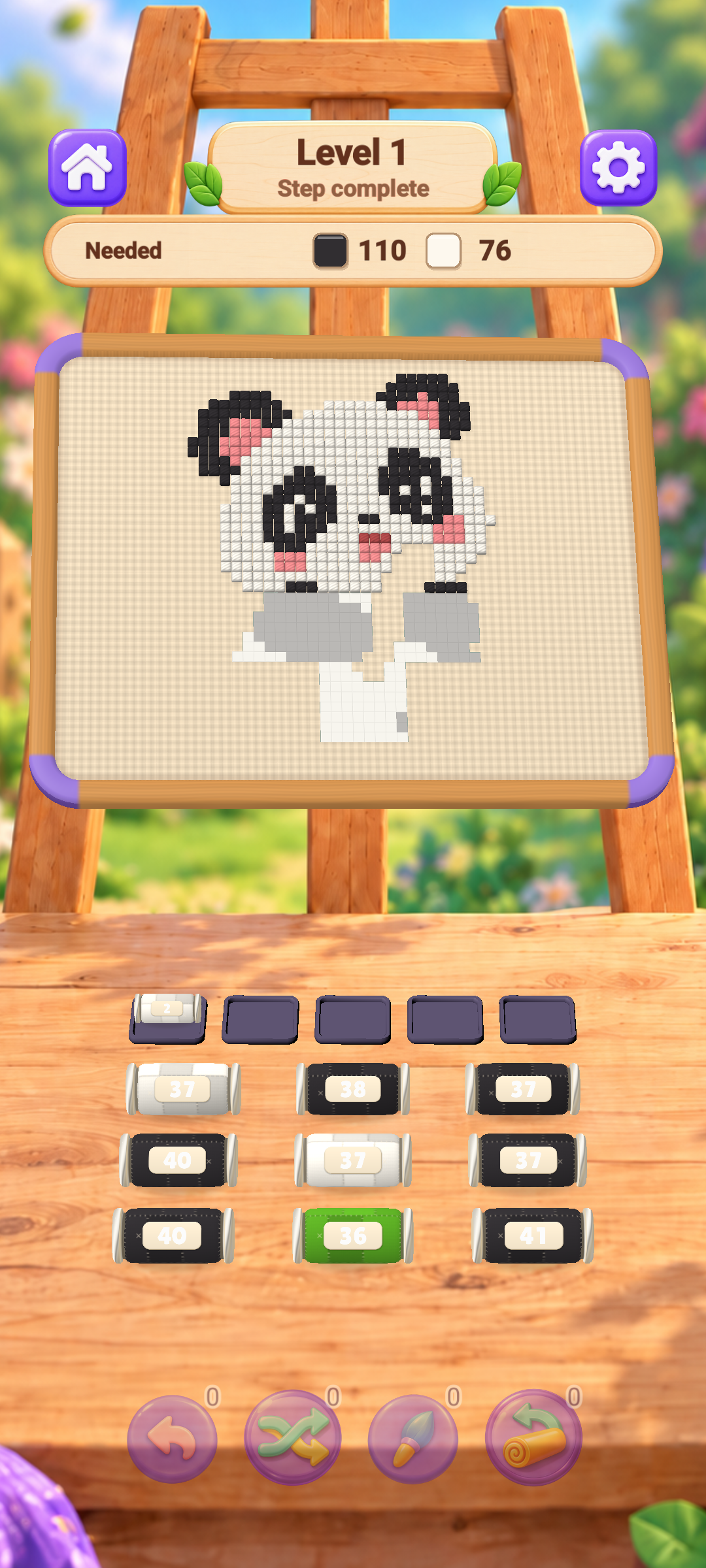
Image preview
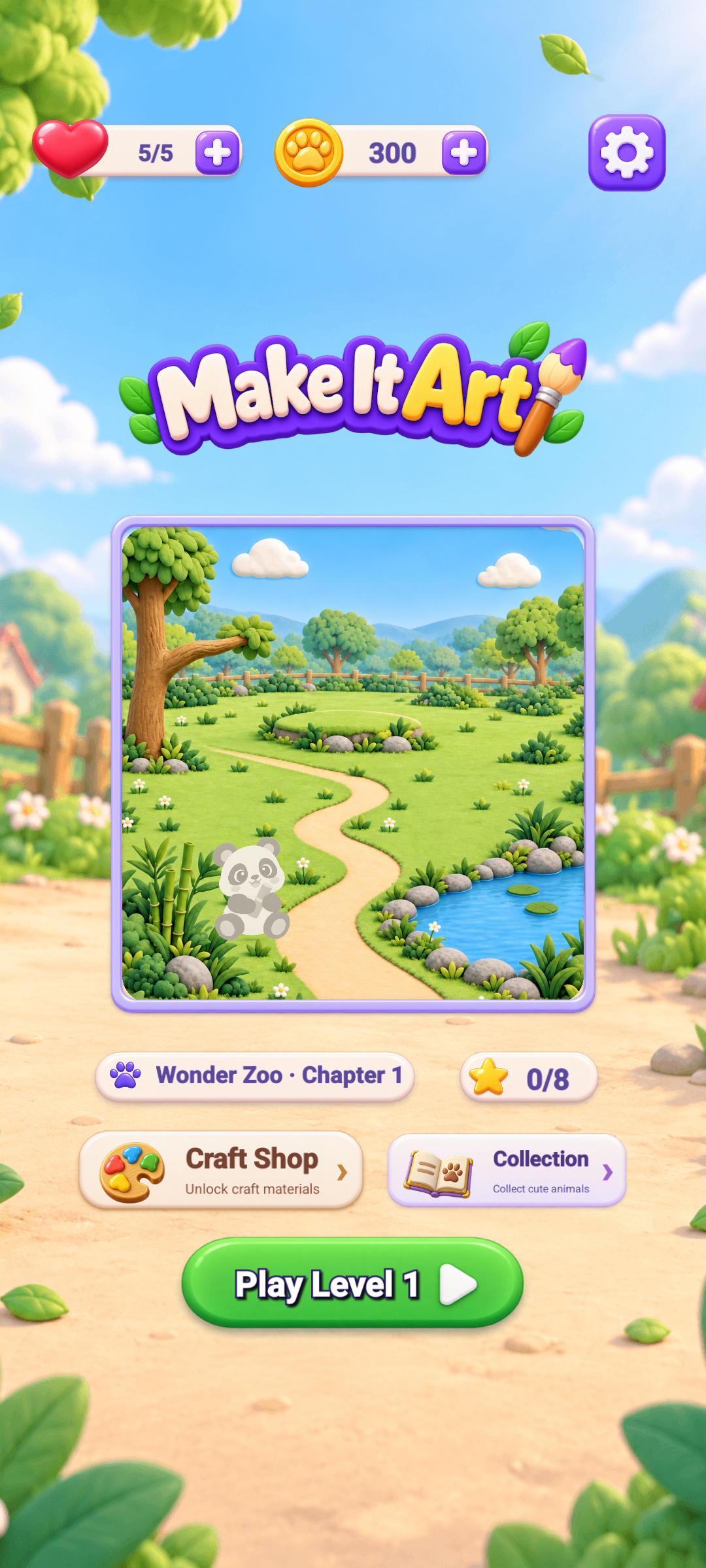
Image preview
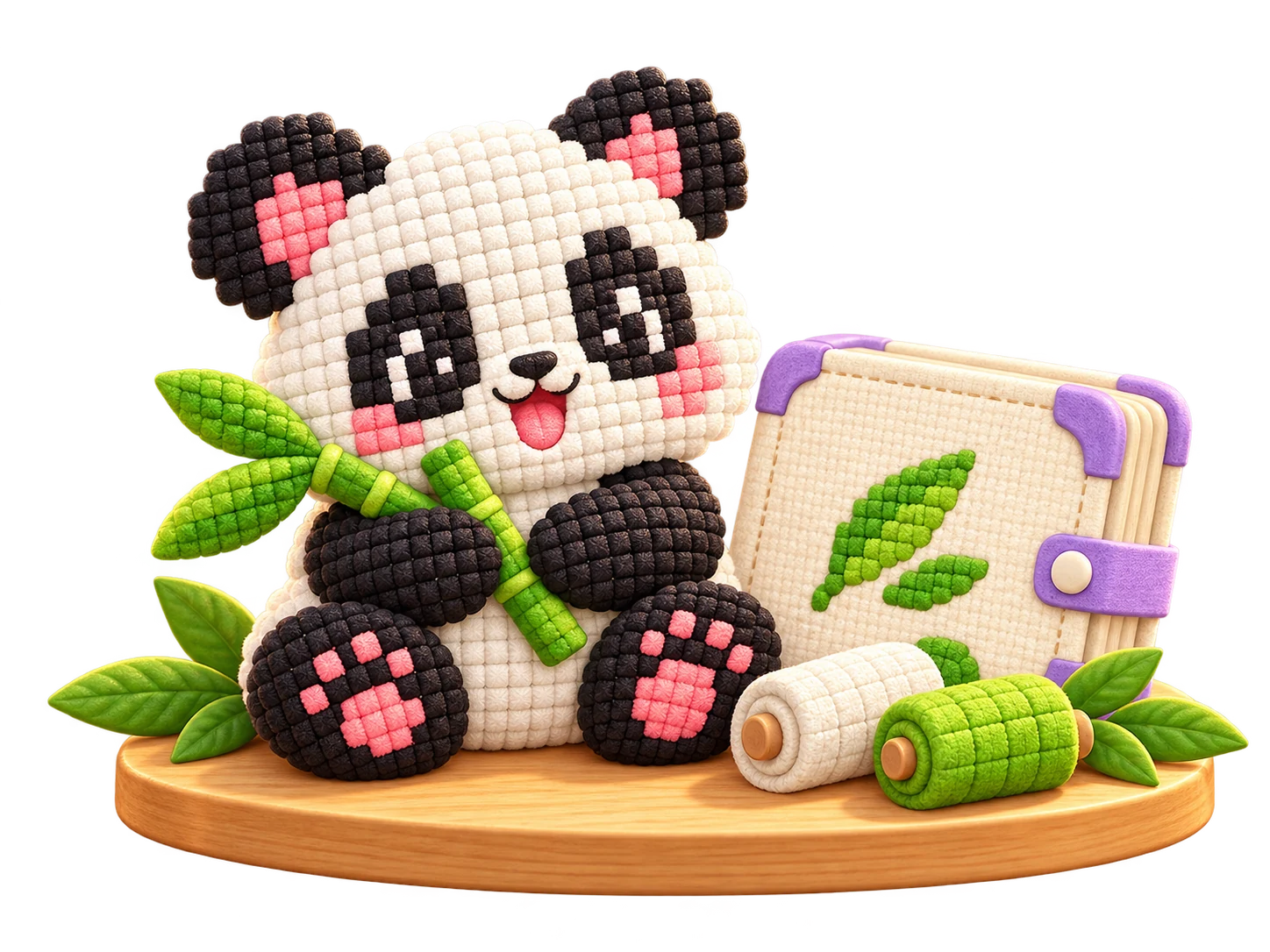
One panda. A whole new texture.
From soft patchwork to glossy jelly and folded paper, a different craft gives a familiar artwork a fresh look.
Open an image to take a closer look.
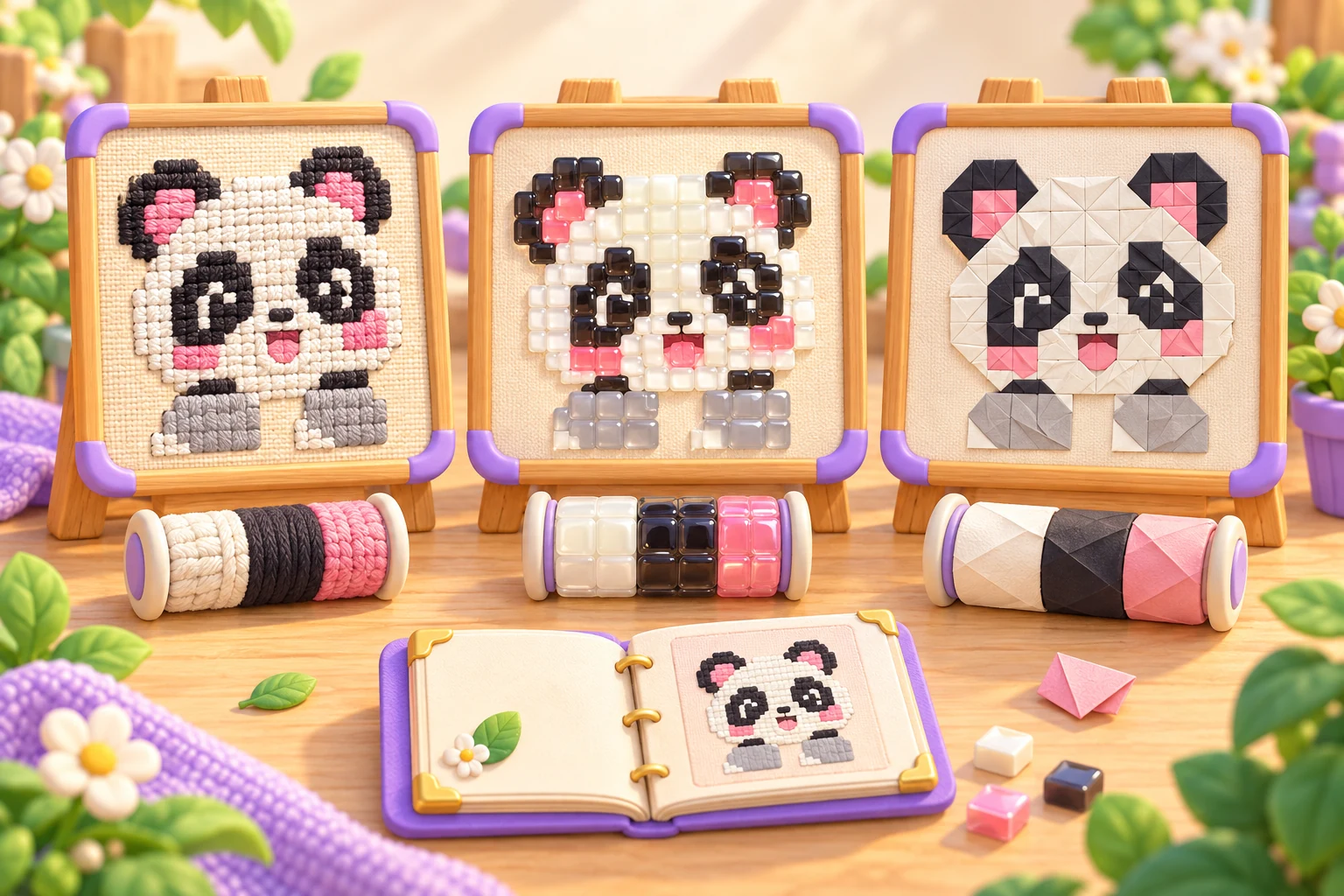
Image preview
A few taps. Something lovely takes shape.
Choose what comes next, give it room and let the materials do their little dance.
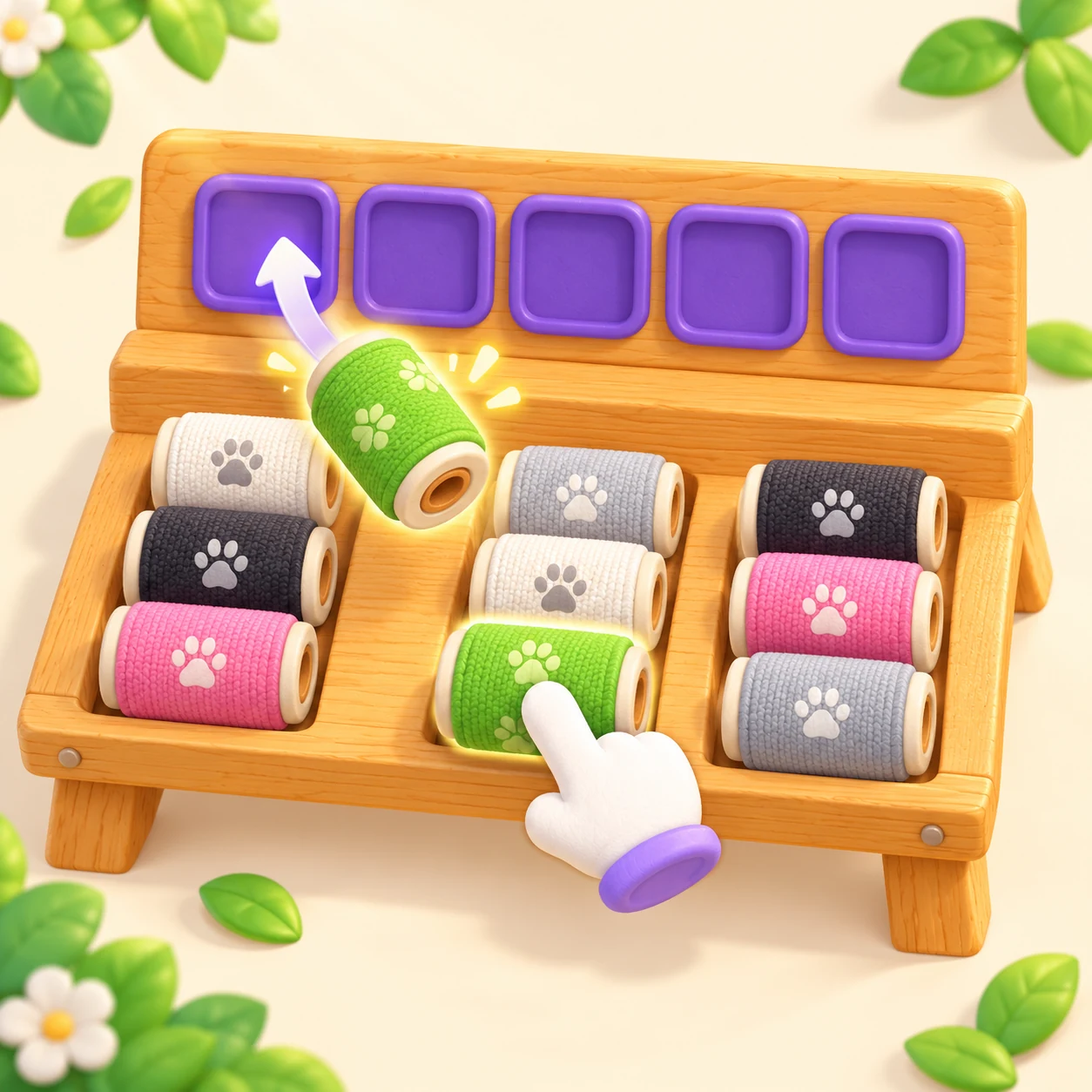
Pick the next supply
Check the colours the picture needs. Tap the front roll from a column to send it to a free waiting slot.
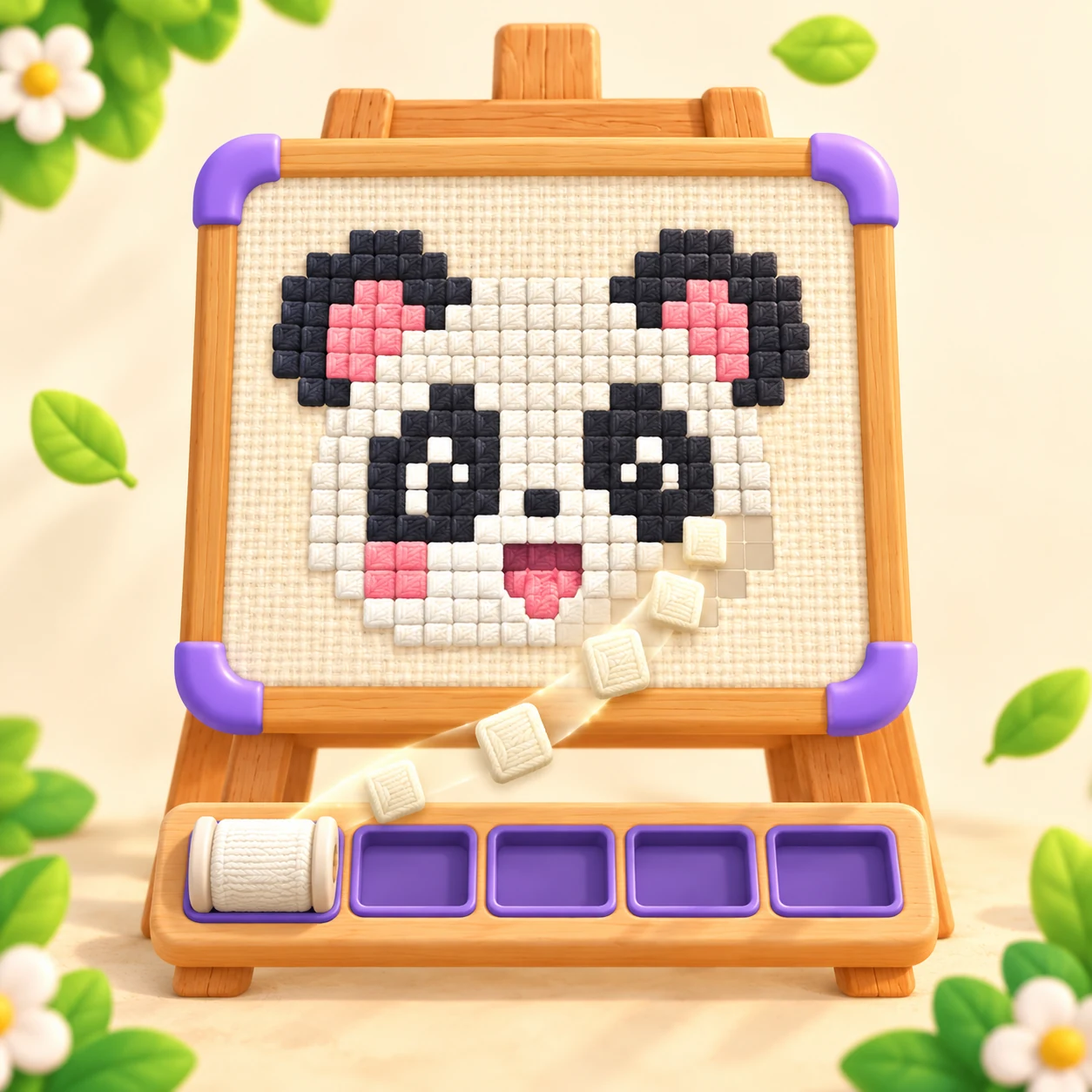
Watch it come together
Matching materials automatically fill the picture. Keep an eye on the slots and make room for what comes next.
Make a little collection
Finish an artwork to add it to your collection. Come back with another craft to collect a new material stamp.
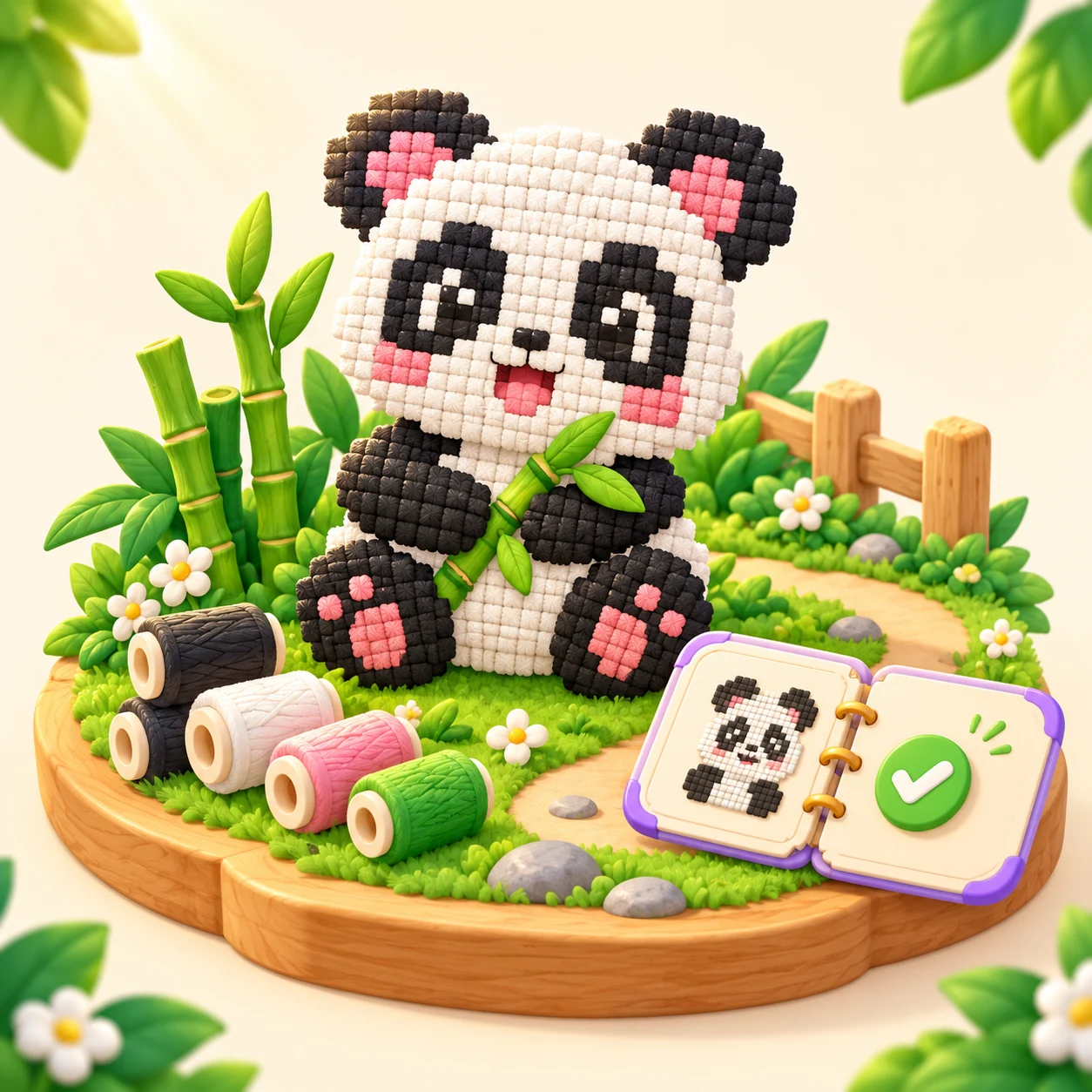
Little choices. Lovely discoveries.
A little puzzling, a little making and something to keep.
Find the next little move
Look at the colours the picture needs. Choose the front supply roll from a column and leave room in the waiting slots for what comes next.
Discover a different craft
Explore patchwork, wax tiles, jelly, crystal and folded paper. Unlock craft materials with in-game coins and make familiar pictures feel new.
Keep what you create
Completed artworks join your collection. Return to a favourite, make it in another craft and collect its new material stamp.
Before you start
How to play, collect your creations and find the game.
How do I play?
Tap a column to send its front supply roll to an available slot. When its colour is needed, materials automatically fill the picture. Plan your choices so the slots do not get stuck.
Do I draw or paint the picture myself?
The puzzle is about choosing supplies and managing the slots. Matching materials build the picture automatically; you do not need to draw a shape or colour it by hand.
How do I get different craft materials?
Visit the Craft Shop to see the materials and their in-game coin prices. Completing a new artwork for the first time earns coins. The current Android and iOS versions have no in-app purchases.
Where can I play the game?
Download it from the App Store for iOS or Google Play for Android. In WeChat, search for 咔嗒造物坊 or scan the mini-program code below.
Which languages does the game support?
The current game supports English and Simplified Chinese. You can choose a language in Settings or follow your device language.
Where can I find the privacy information?
The privacy policy linked below covers the iOS, Android and WeChat mini-game versions of Make It Art.
Where is my progress saved?
Your progress is saved on your device. The current game does not have cloud saves or a game account.
Ready to give it a try?
Search in WeChat 咔嗒造物坊
Copy the full name, open mini-program search in WeChat, then find the project to get started.
- Android Available
- iOS Available
- WeChat Available
Mini-program search name
咔嗒造物坊
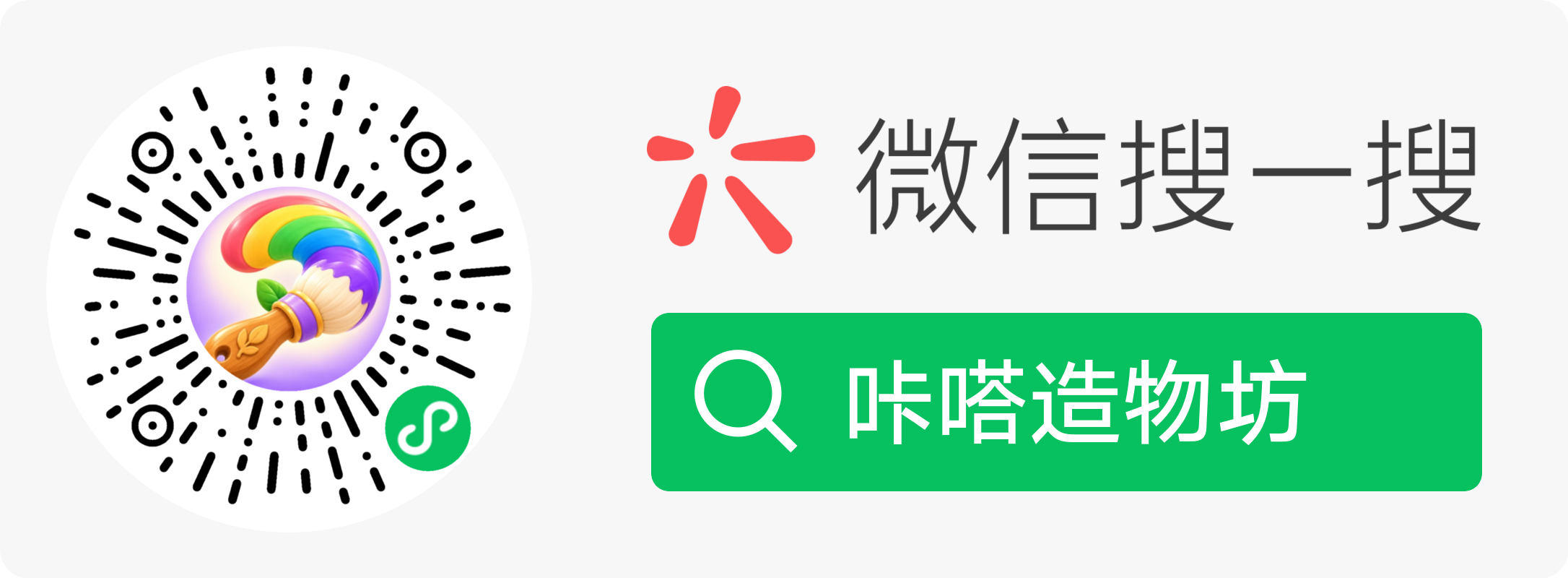
WeChat play guide
Make It Art
- Copy the full search name below.
- Open mini-program search in WeChat.
- Paste the name, then find and open the game.
Mini-program search name
咔嗒造物坊
If it does not appear, check the full search name. Get help