
 GameIn development
Fingertip Words
A gentle touch, a world responds.
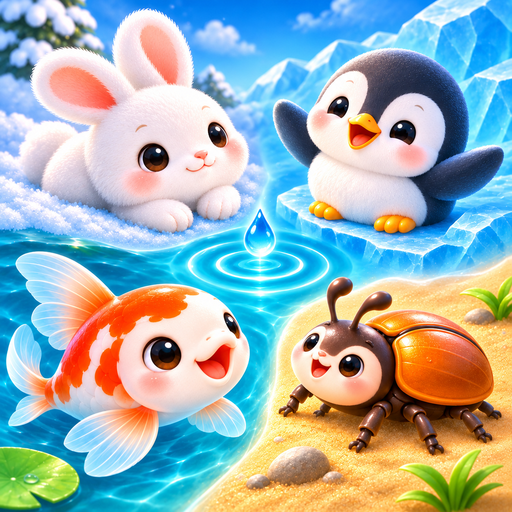
Stir a pond, roll snowballs, crack ice and shape a little sand garden. Four small worlds to explore through touch.
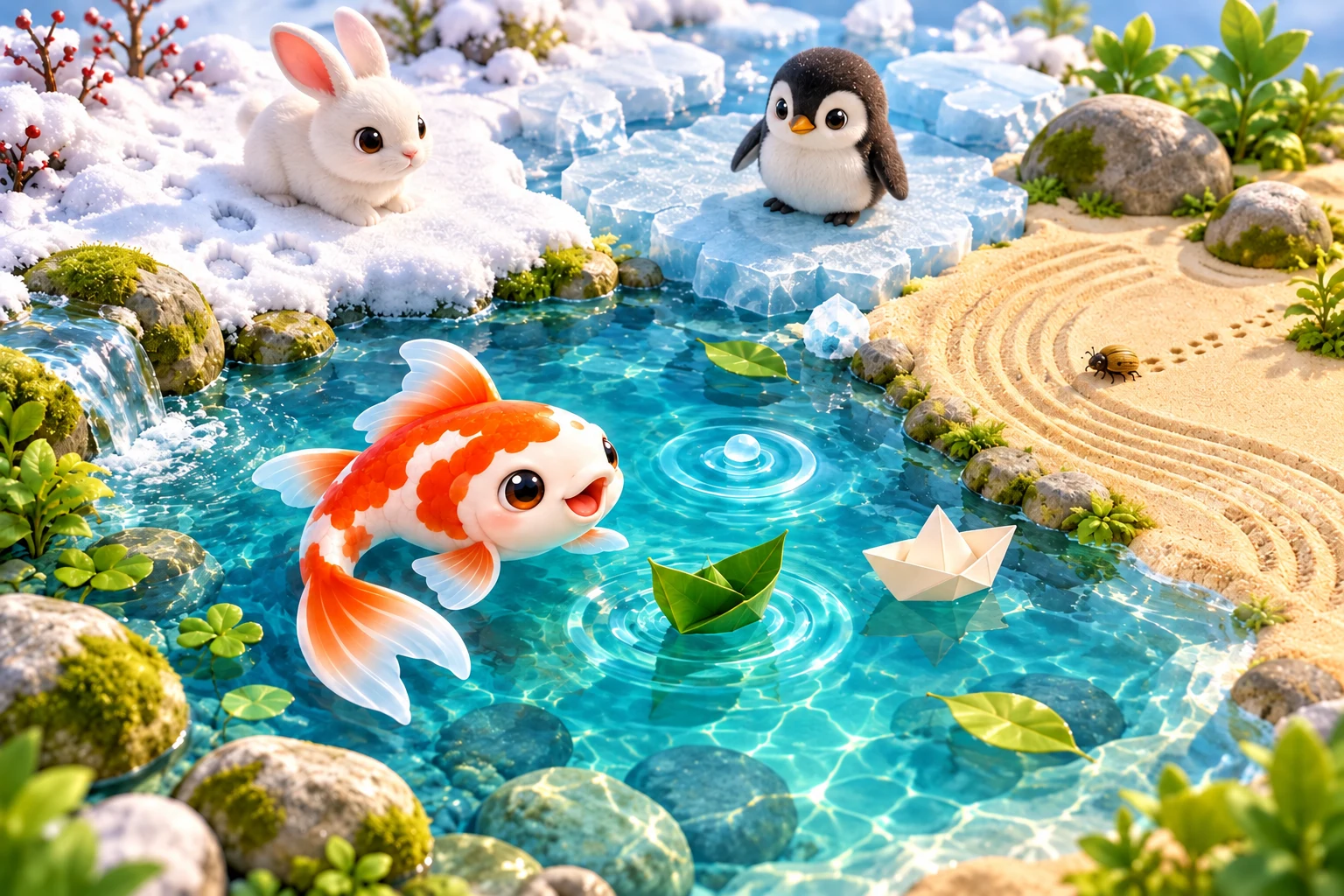
Four little worlds. Follow your curiosity.
Choose a scene, try a tool and see how the surface responds. There is always another way to explore.
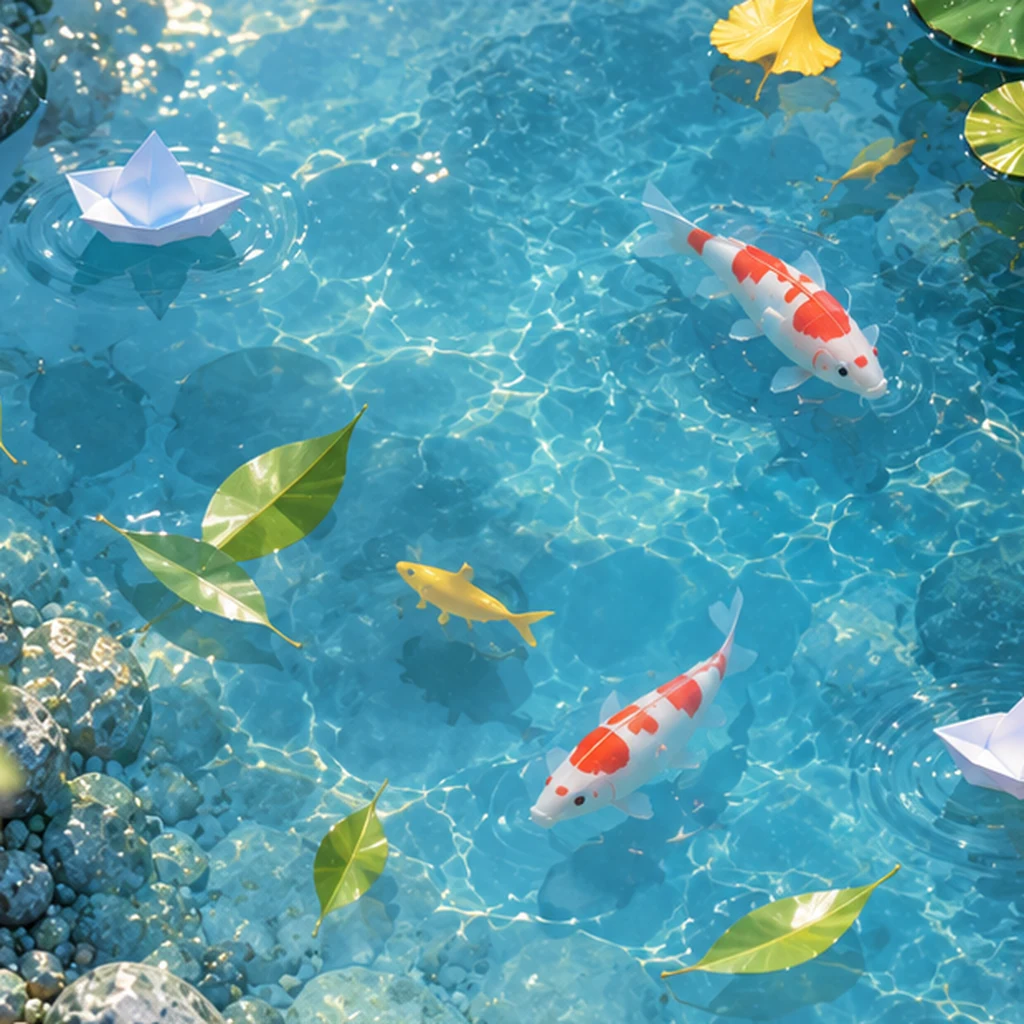
A ripple in the pond
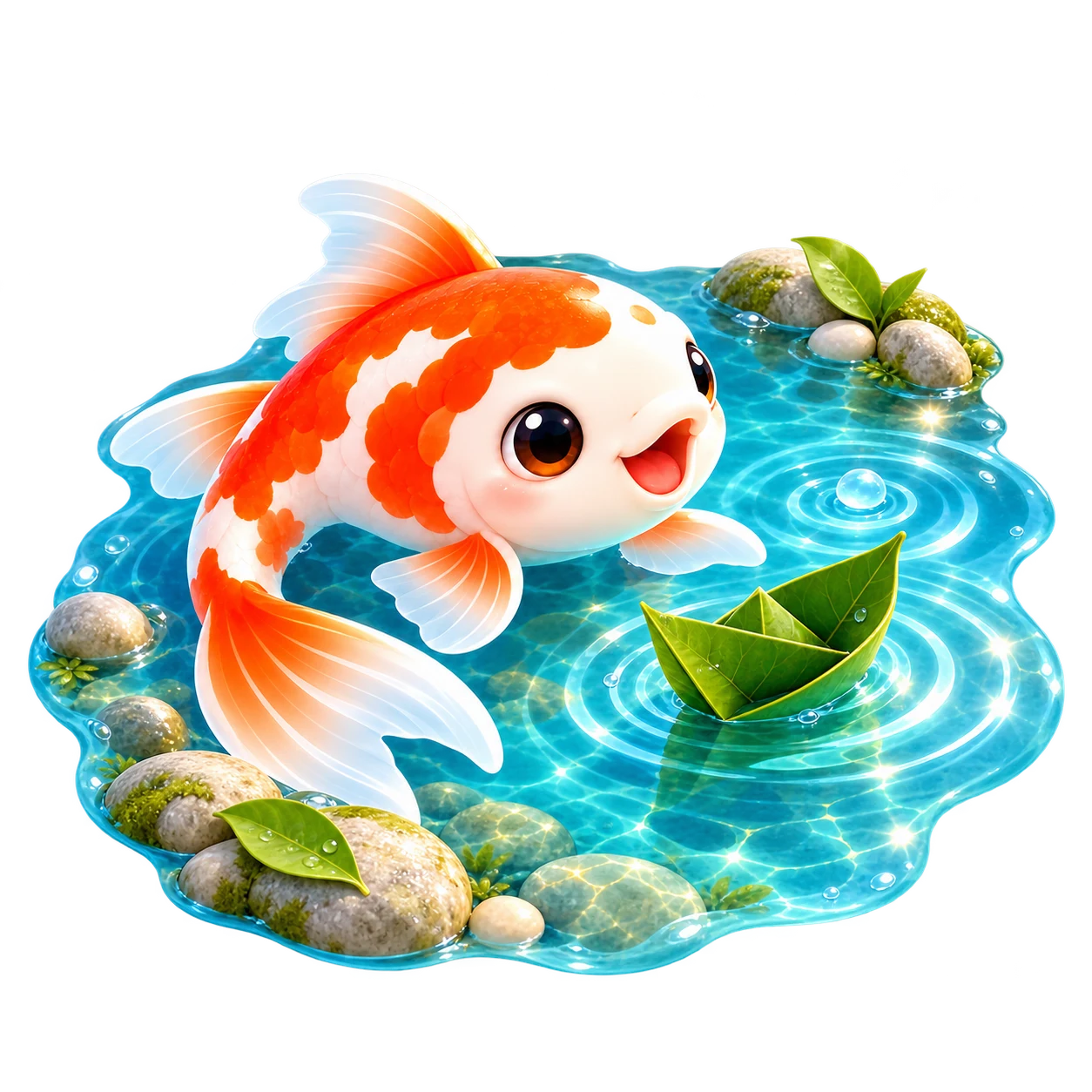
Stir the water, drop in a stone or set a boat afloat. Add a little fish food and watch the koi come closer.
Leave a trail in the snow
Trace a line, leave a few footprints or roll a snowball. Look for the little rabbits moving across the snow.

See the ice change
Tap and chip the ice, scrape away frost or pour warm water. Watch cracks and floating pieces take shape around the penguins.

Make a little sand garden
Shape the sand, rake a curve and arrange a few stones. Add water to see the surface change, or smooth it out and start again.

A little time, at your own pace.
Leave a few marks, listen for a moment and come back when you like.
Small gestures, different textures
Water ripples, snow gathers, ice cracks and sand holds a line. Switch tools to discover how each surface responds to your touch.
Make room for a quiet moment
Choose a time of day and weather in the scene controls. Adjust nature, weather and interaction sounds to find a balance you enjoy.
A little place to return to
The game remembers your sound and language choices. Come back to the last scene you played, or choose another little world to explore.
A closer look at your little worlds
Ripples and paper boats, snowy tracks, drifting ice and patterns in the sand. Take a look at the game in play.
Open an image to take a closer look.
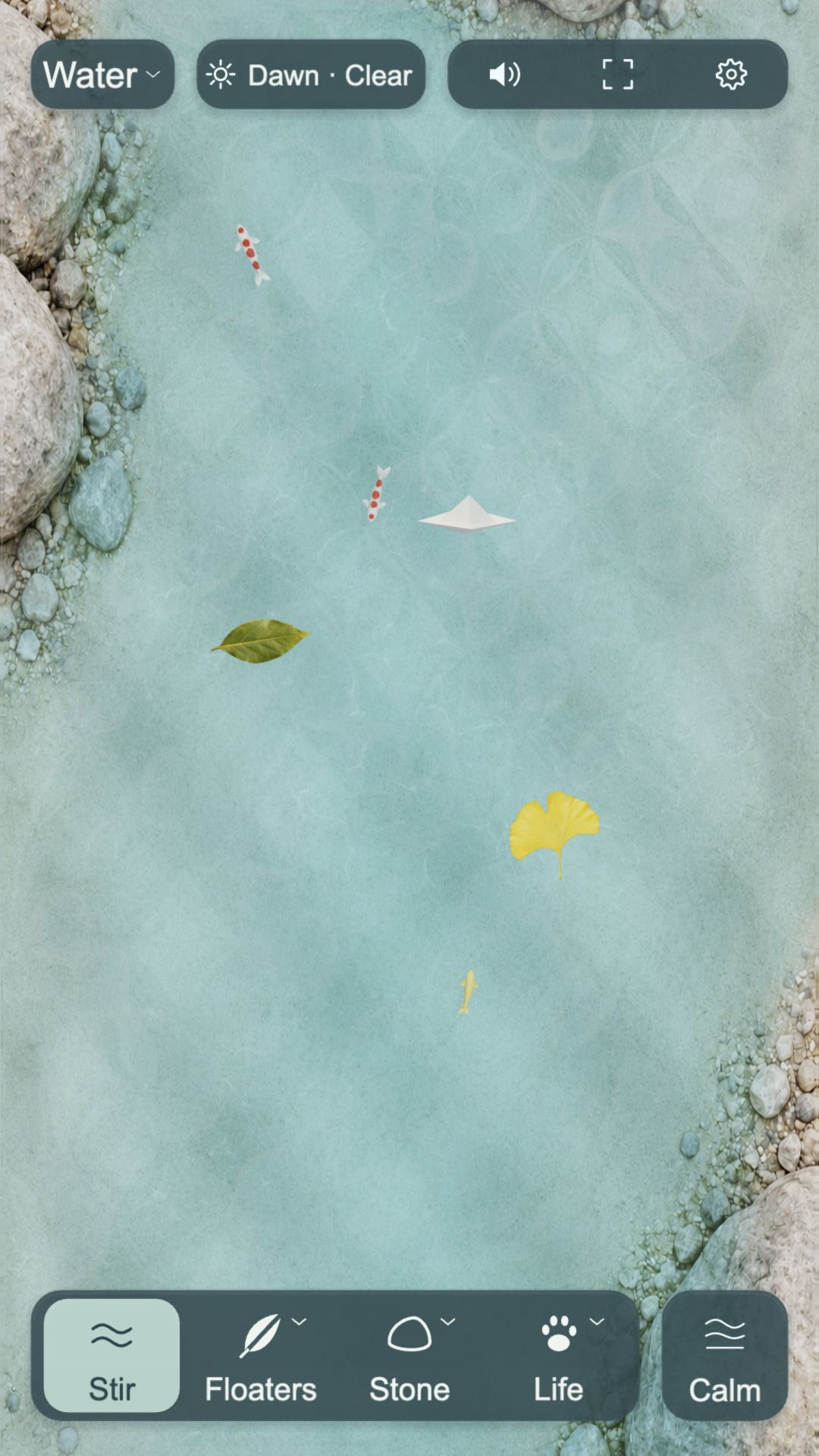
Image preview
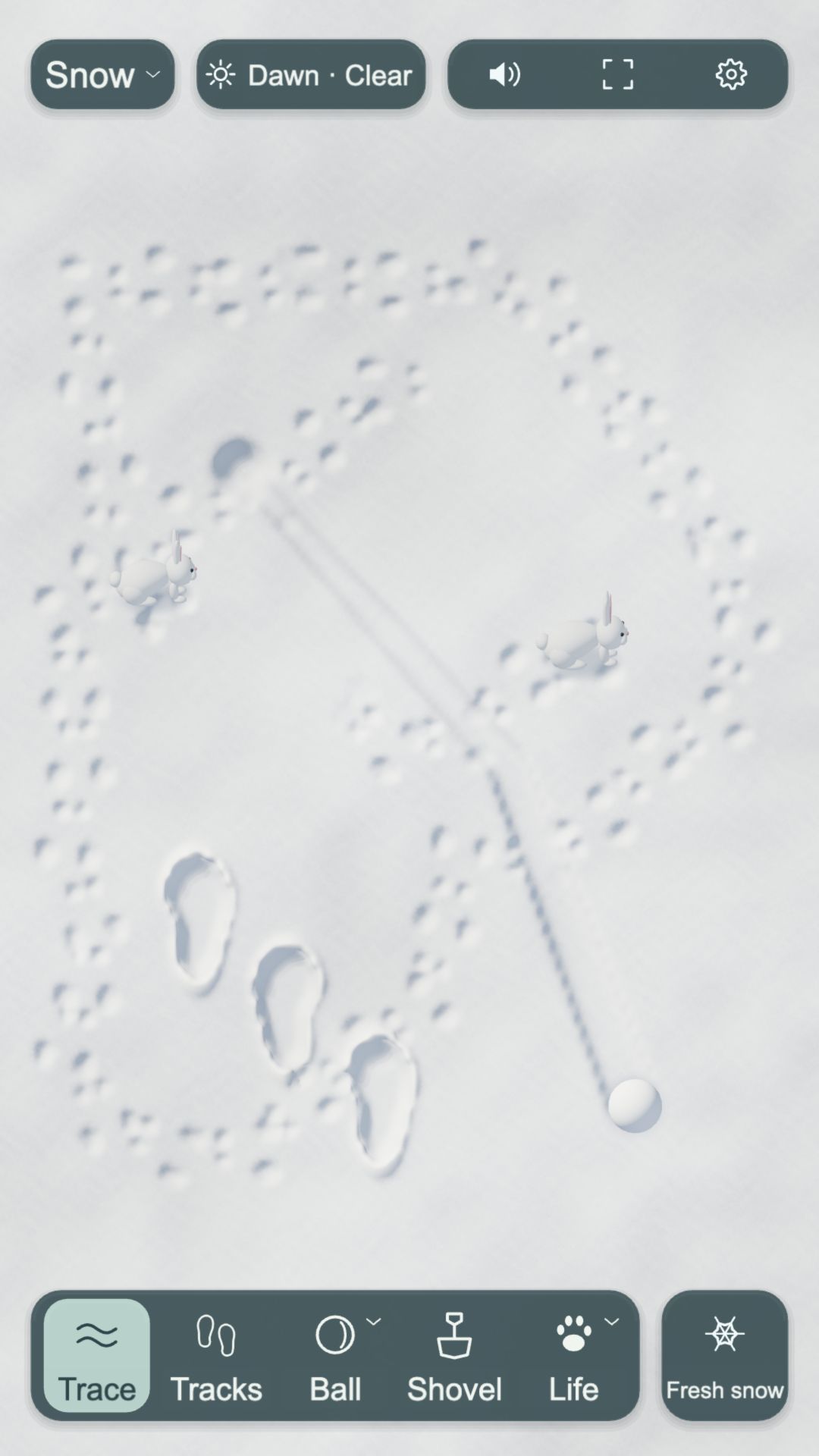
Image preview
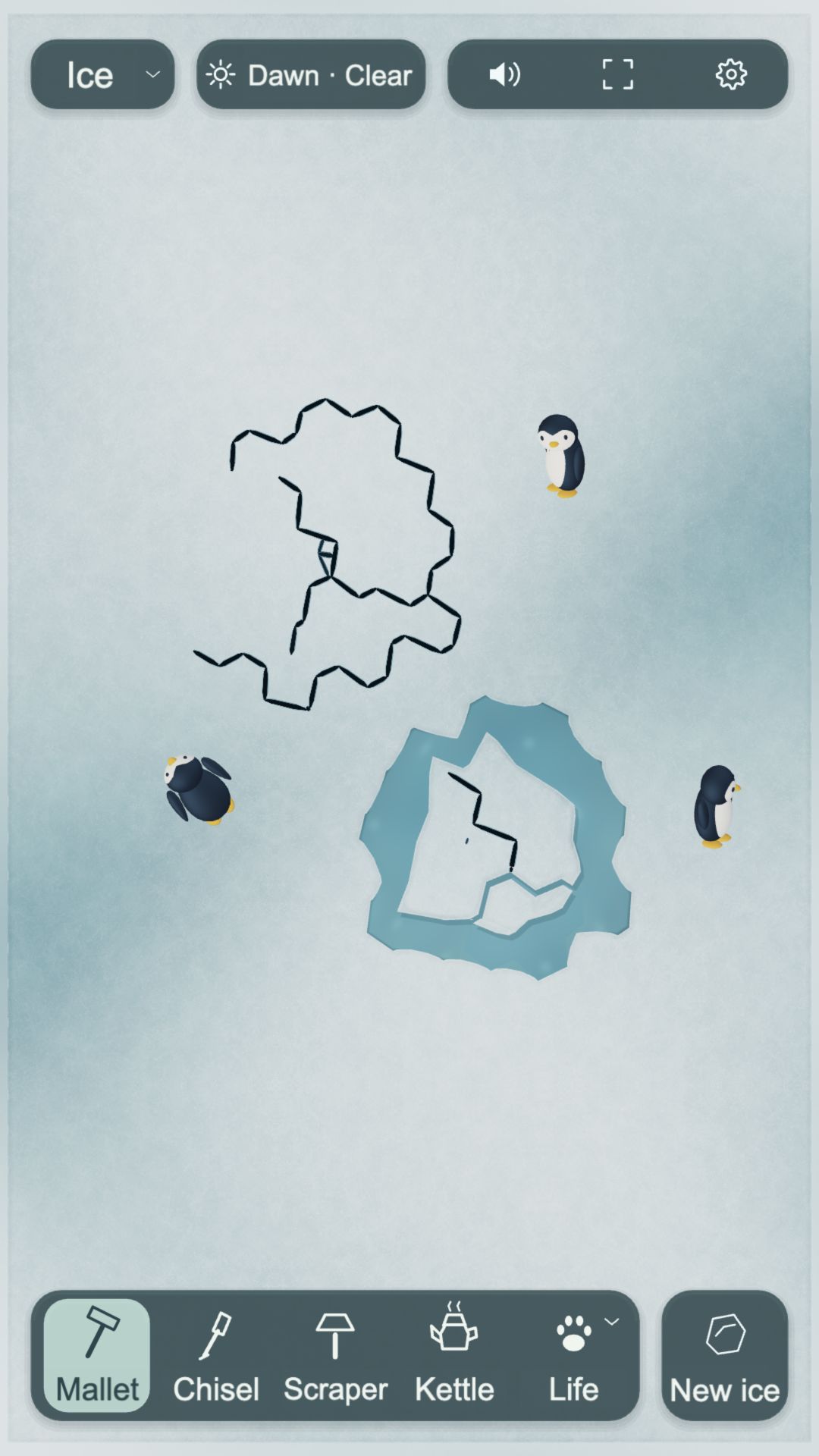
Image preview
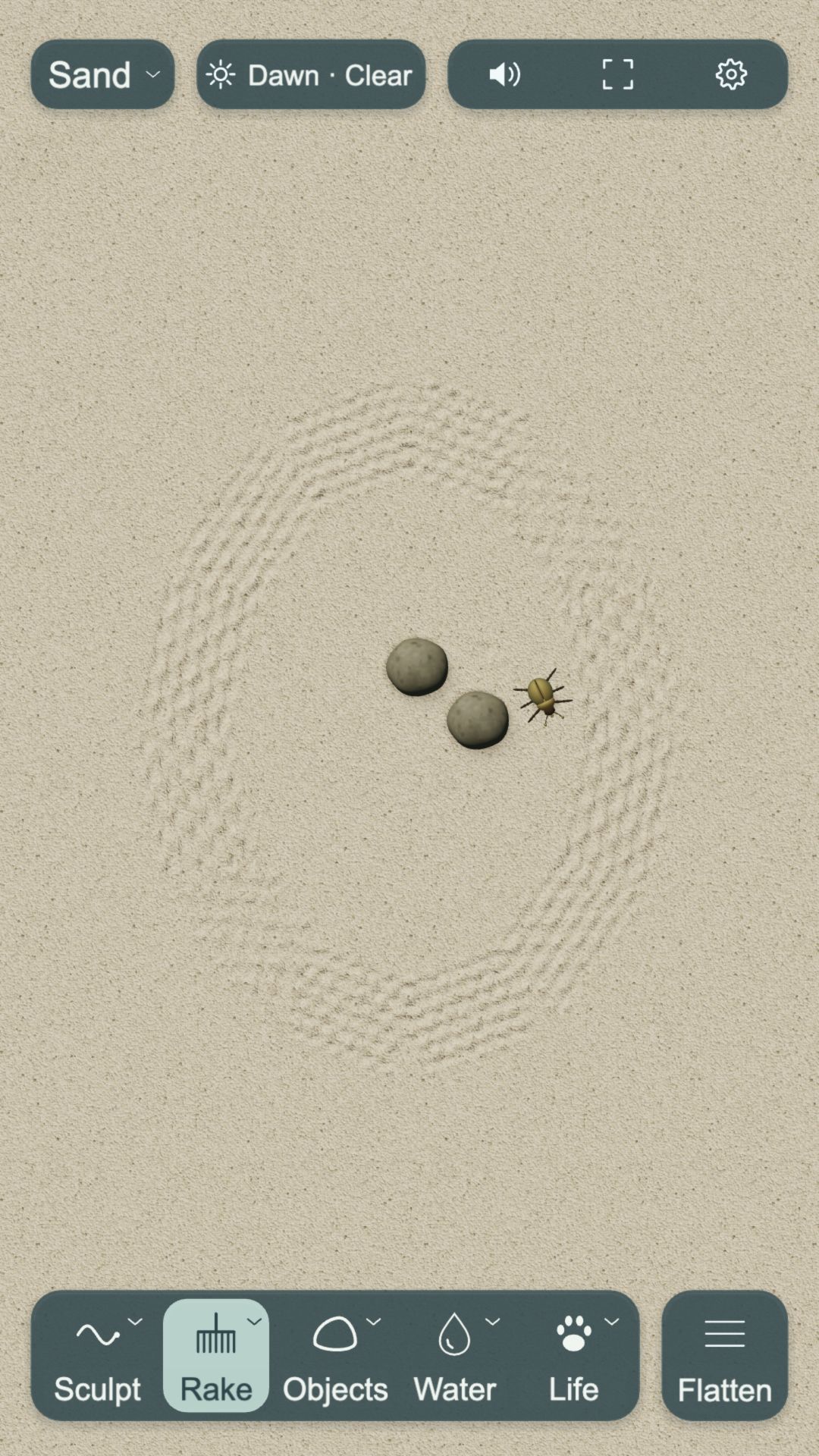
Image preview
Before you settle in
How to play, where to find the game and what to know before you begin.
What do I do in the game?
Choose a natural scene and try its tools. Stir water, set a boat afloat, leave tracks in snow, break a patch of ice or rake a pattern in sand. Watch how the materials and little creatures respond.
Are all four scenes different?
Yes. The pond has water, floaters and koi; snow has tracks, snowballs and rabbits; ice has cracks, meltwater and penguins; and the sand garden has shaping tools, stones, water and beetles.
Where can I download it?
Fingertip Words is still in development and is not yet available to download or play on WeChat.
Does it need an account or an Internet connection?
Core play on Android and iOS works offline, with no account needed. Viewing the privacy policy requires an Internet connection. Cloud saves and cross-device syncing are not available.
Are there ads or in-app purchases?
The current Android and iOS versions have no ads or in-app purchases.
Which languages can I use?
The game supports English and Simplified Chinese. Choose a language in Settings or follow your device language.
What happens to my scenes when I leave?
Your settings and some changes to your scenes are saved on the device you play on. Not every ripple or passing effect is saved. Deleting app data or changing devices can mean losing your saves; cloud saves and cross-device syncing are not available.
Can I turn down the sounds and movement?
Yes. Open Settings to adjust the sound and volume, choose a visual quality or turn on Reduced Motion. Reduced Motion tones down some visual effects, and you can still use the scene tools as usual.
Platforms & support
- Android Planned
- iOS Planned
- WeChat Planned